 Tend Photos
A real workspace, not a shrunken window
A group navigator and a media grid side by side, with touch targets sized for fingers. It’s built for the iPad, not squeezed down from the Mac.
Tending is caring.
Tend Photos on iPad gives you a real review workspace — a group navigator and a media grid side by side, with room to compare a whole burst at once. On your device, and nothing is deleted until you approve it.
local · no account · no subscription
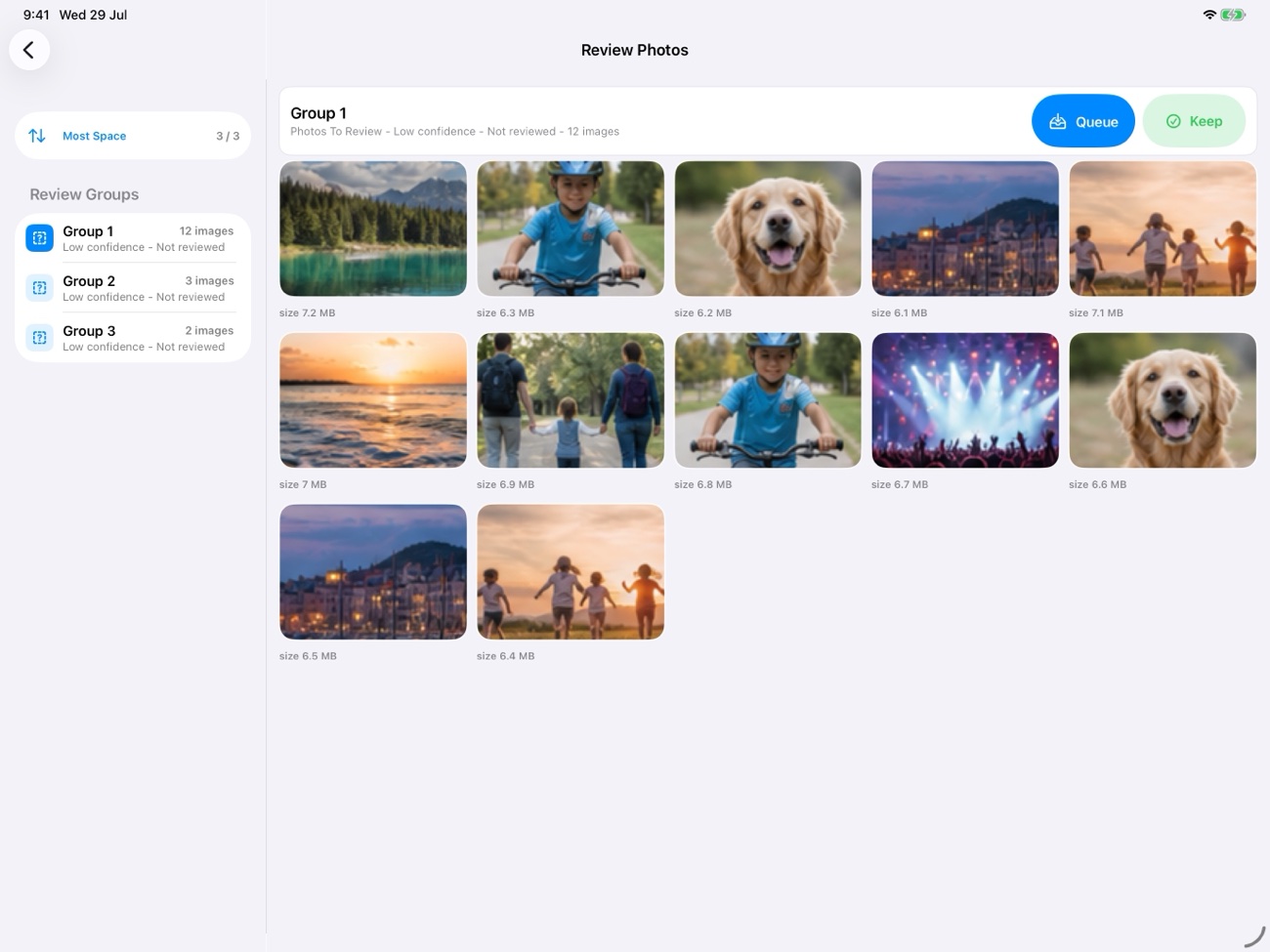
A group navigator and a media grid side by side, with touch targets sized for fingers. It’s built for the iPad, not squeezed down from the Mac.
See a full duplicate group at once on the large display, keeper highlighted. Tap any photo to open a bigger preview before you decide.
Comfortable for getting through a big backlog in one sitting, and Split View–aware. On-device, no account, Data Not Collected.
Open Tend and let it read your iCloud Photos library on-device. Results fill in as the scan runs, so you can begin the moment the first groups appear.
Tap through groups in the navigator, compare the full set in the grid, and tap the shot you want to keep. Everything is a touch away.
Queue what you’re letting go, review the queue, and type DELETE to confirm. Nothing leaves your library without your approval; every step is logged.
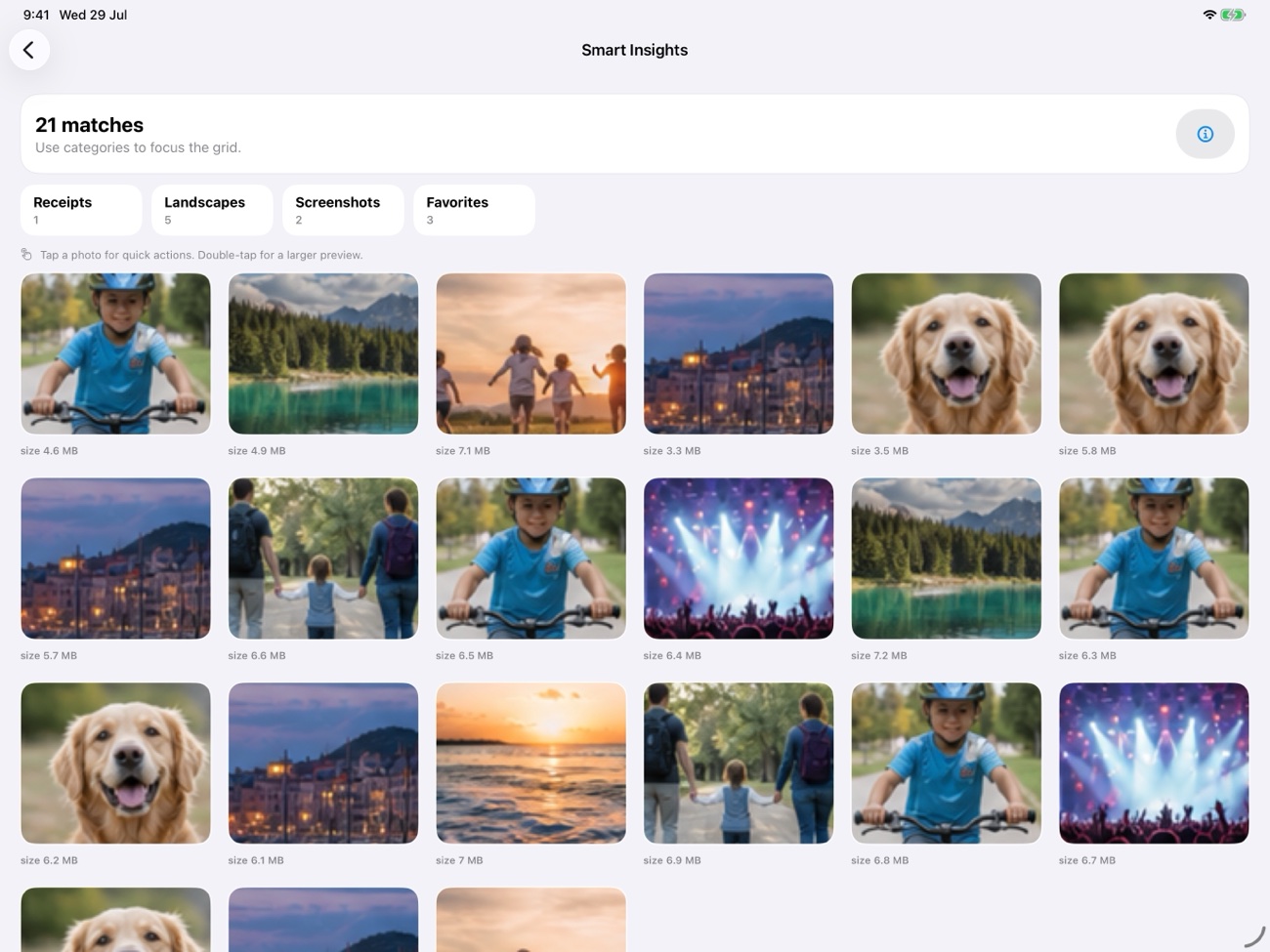
Pick a story type — Trip, Event, or Year in Review — and Tend gathers your best photos into an auto-curated story, already grouped into chapters, with a print-ready PDF export. Free during this release. See how Story Mode works →
Every scan, every quality score, every duplicate comparison happens locally with Apple’s PhotoKit — no photos, no metadata, and no filenames are sent anywhere. There’s no account to create and no third party in any part of the analysis.
No ads. No tracking. Ever. On any plan, free or PRO.
One Universal Purchase covers your Apple devices. Clean up on the big screen, tidy on the couch, or free space on the go.
Free — local-first, and yours to approve at every step.
Download on theApp Store