 Tend Photos
Honest storage payoff, first
“These photos free about this much” — shown before you delete anything, so you always know what you get back. No dark patterns, no inflated numbers.
Tending is caring.
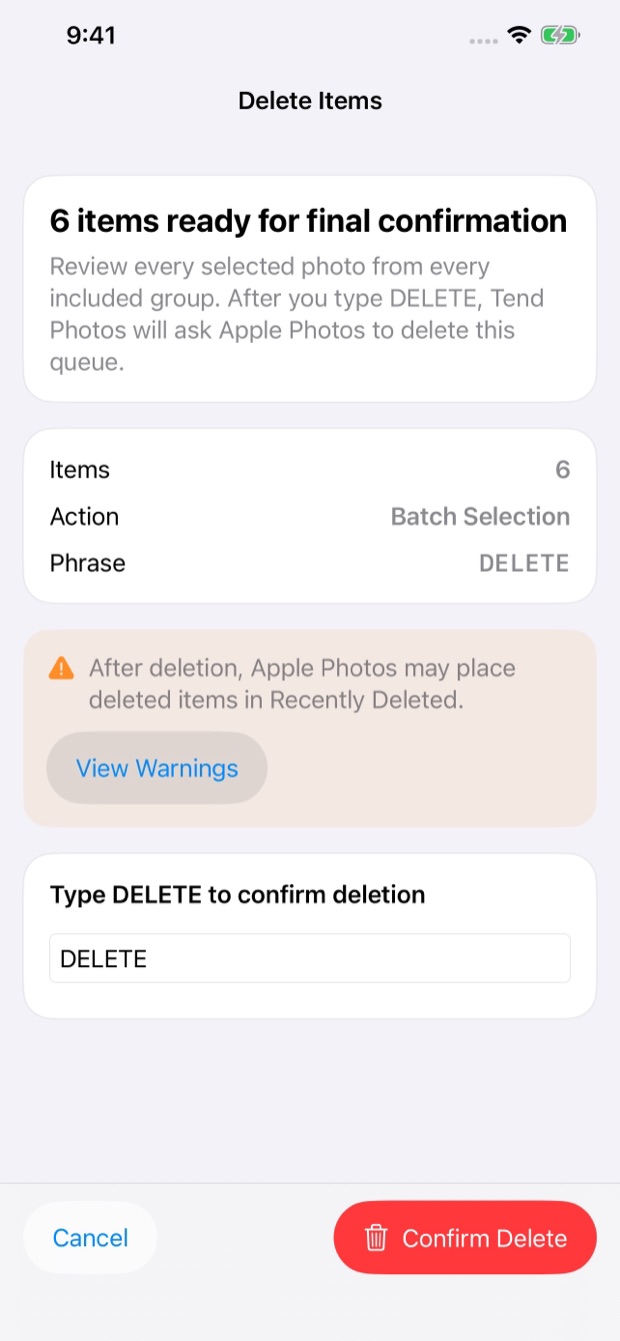
Tend Photos on iPhone shows you the honest storage payoff first — these photos free about this much space — then lets you review with a swipe. Nothing is deleted until you review the queue and type DELETE.
local · no account · no subscription
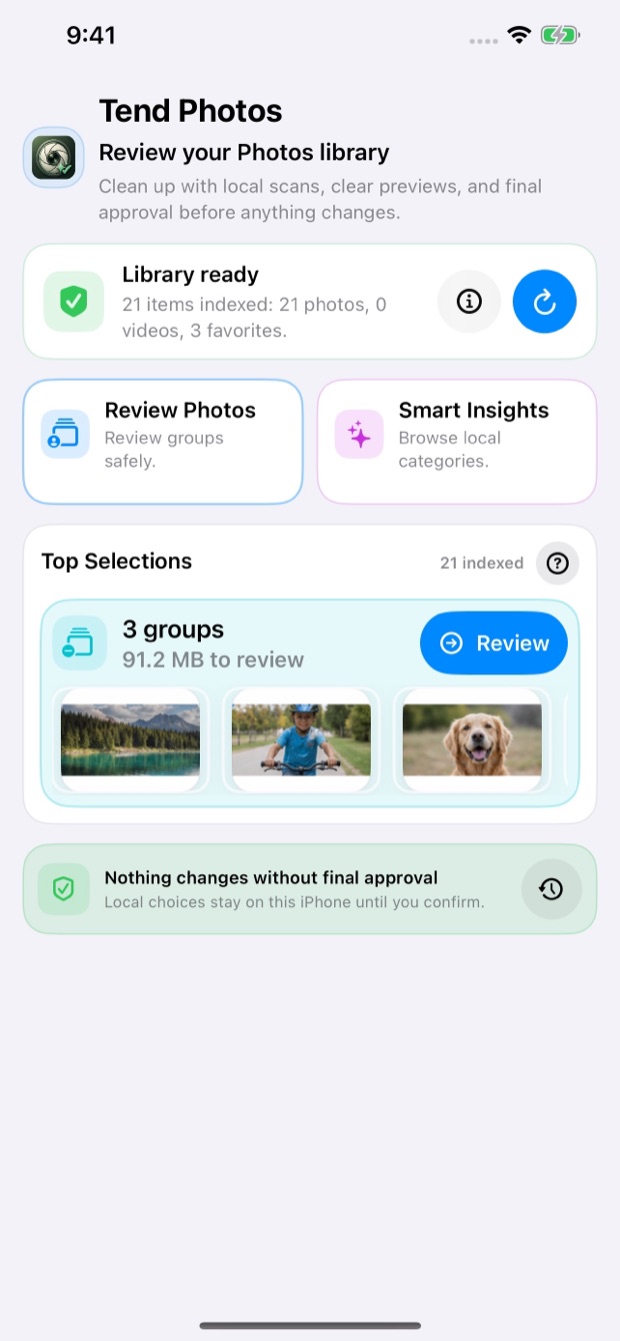
“These photos free about this much” — shown before you delete anything, so you always know what you get back. No dark patterns, no inflated numbers.
Swipe or tap to queue photos as you go. Nothing is deleted until you review the queue and type DELETE — the safety gate is always there, even one-handed.
Right in your pocket, free, with no delete caps and no subscription. On-device with Apple’s PhotoKit; Data Not Collected.
Open Tend on your iPhone. A quick on-device scan surfaces duplicates, blurry shots, screenshots, and the big space they’re taking up.
Swipe through the suggestions — keep the best, queue the rest. See the keeper for each group as you go, one photo at a time.
Review your queue, type DELETE to confirm, and free the space. Photos go to Recently Deleted, recoverable for 30 days; every action is logged.
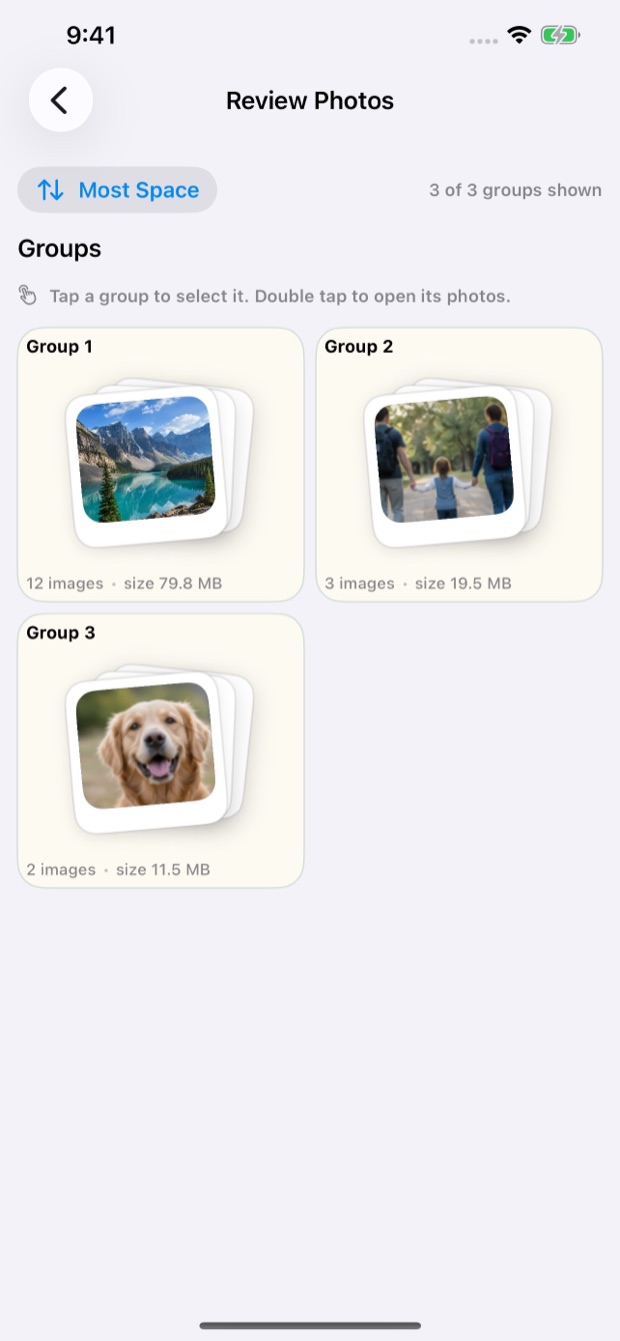
Pick a story type — Trip, Event, or Year in Review — and Tend gathers your best photos into an auto-curated story, already grouped into chapters, with a print-ready PDF export. Free during this release. See how Story Mode works →
Every scan, every quality score, every duplicate comparison happens locally with Apple’s PhotoKit — no photos, no metadata, and no filenames are sent anywhere. There’s no account to create and no third party in any part of the analysis.
No ads. No tracking. Ever. On any plan, free or PRO.
One Universal Purchase covers your Apple devices. Clean up on the big screen, tidy on the couch, or free space on the go.
Free — local-first, and yours to approve at every step.
Download on theApp Store