 Tend Photos
The Reveal
A coverage-first pass so no chapter of your story is ever empty. Duplicates and near-duplicates collapse to their best shot automatically — the same quality scoring behind Tend’s cleanup, put to work curating instead of deleting.
Tending is caring.
Pick a story type — Trip, Event, or Year in Review — and Tend gathers your best photos from your iCloud library into a story for you, auto-curated and already grouped into chapters. Free during this release, on Mac, iPad, and iPhone.
local · no account · no subscription · Mac, iPad & iPhone
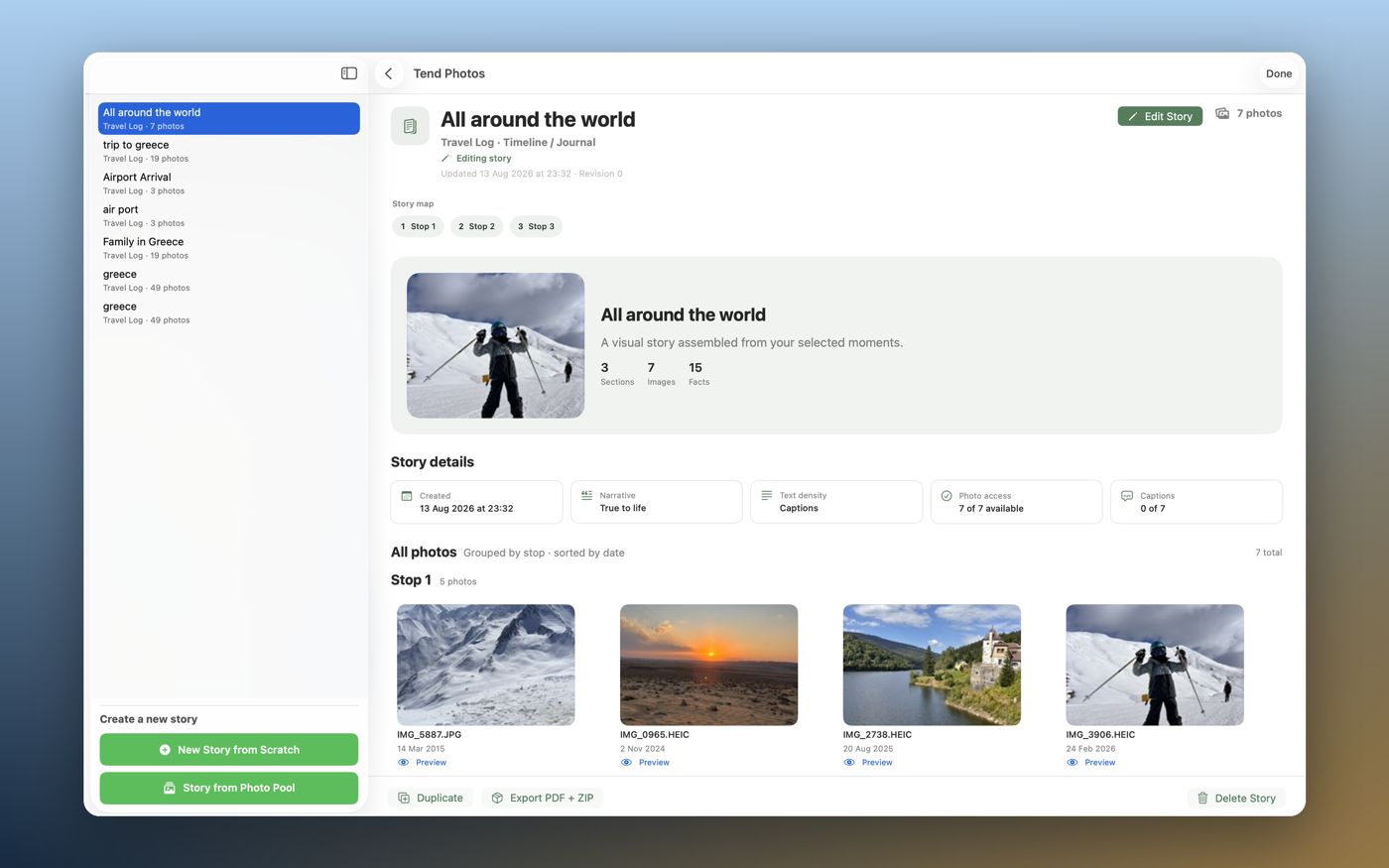
A coverage-first pass so no chapter of your story is ever empty. Duplicates and near-duplicates collapse to their best shot automatically — the same quality scoring behind Tend’s cleanup, put to work curating instead of deleting.
Every included and set-aside photo shows its reason. Nothing is final — one tap restores anything Tend left out, and you can always swap in a different shot.
Choose photos-only, captions, or full narrative text — and choose true-to-life or imaginative, with imaginative always clearly labeled as such. Your story, your voice.
Export a full-resolution PDF plus your actual original photos, bundled for a folder, a .zip, or straight back into your Photos library — ready for a share or a printed photo book.
Trip, Event, or Year in Review — start from scratch or from a photo pool you’ve already gathered. Tend scopes the story from your iCloud Photos library.
See every chapter Tend built, why each photo was chosen, and restore anything it set aside. Dial in text density and voice until it reads the way you want.
A print-ready PDF with your full-resolution originals — save it, share it, or send it to a photo book printer. Nothing leaves your device until you export it yourself.
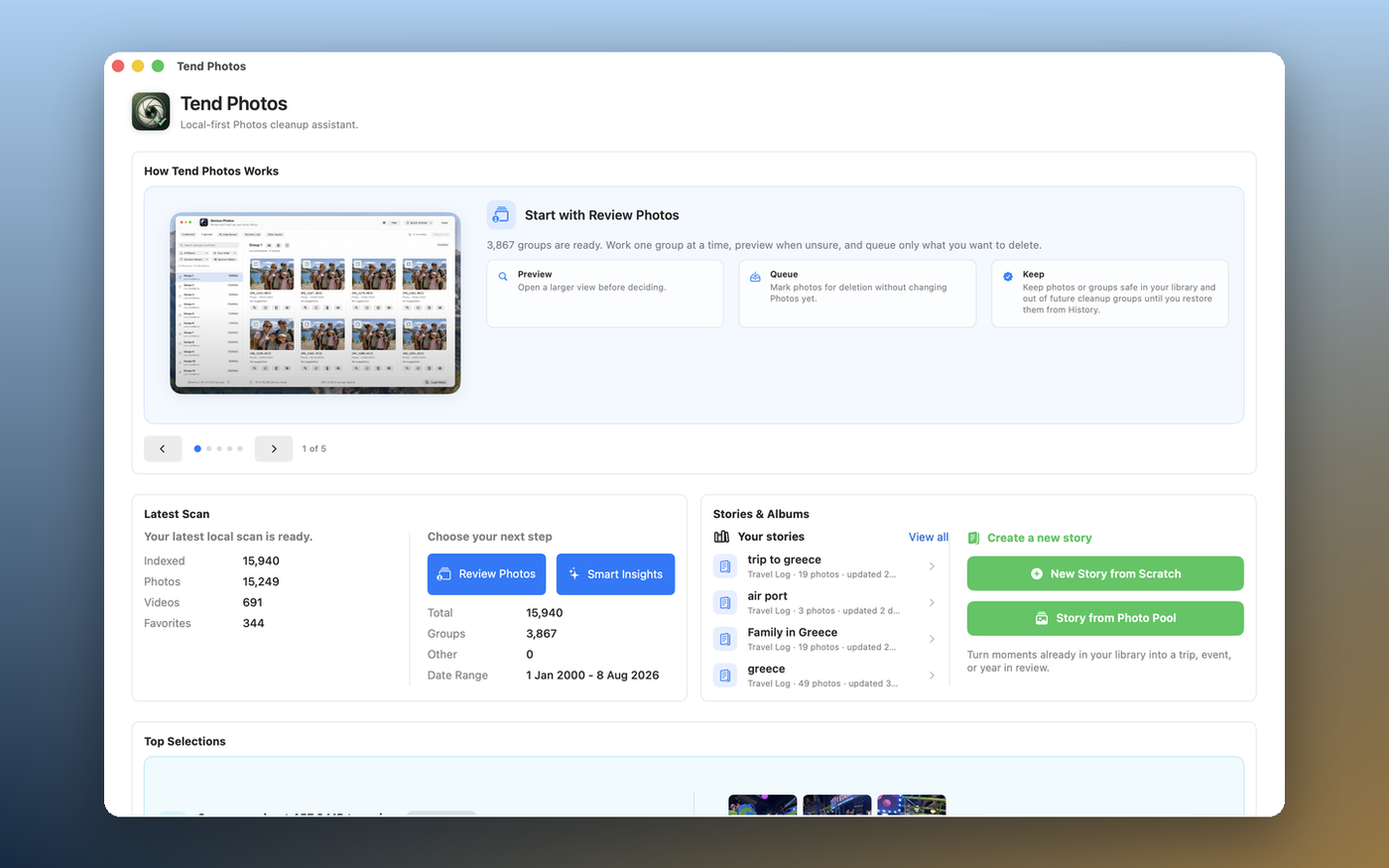
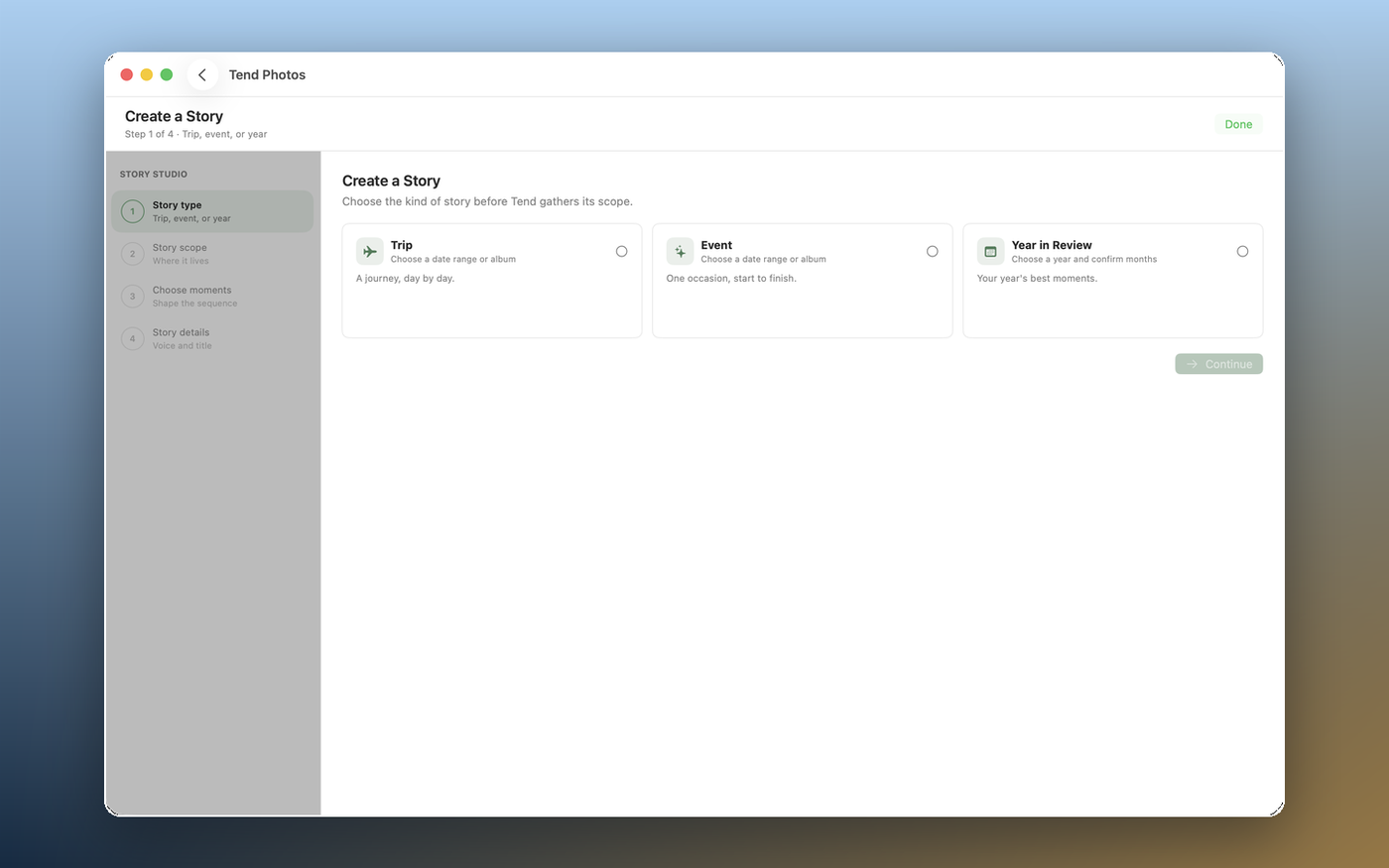
Story Mode uses the same engine everywhere — only the reader and editor are shaped for each device.
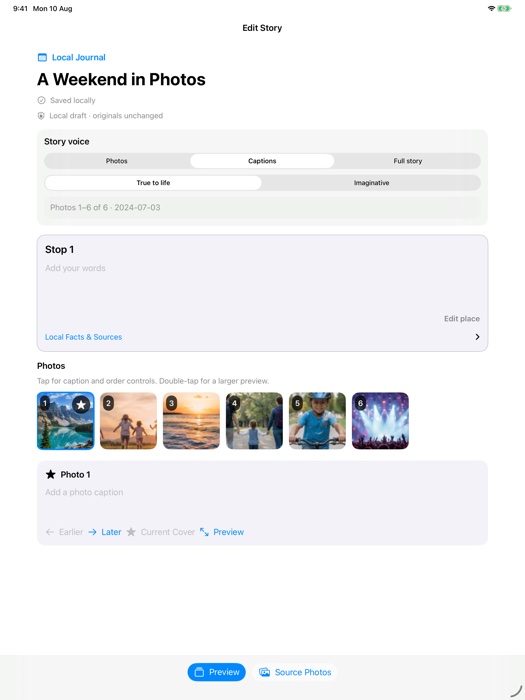
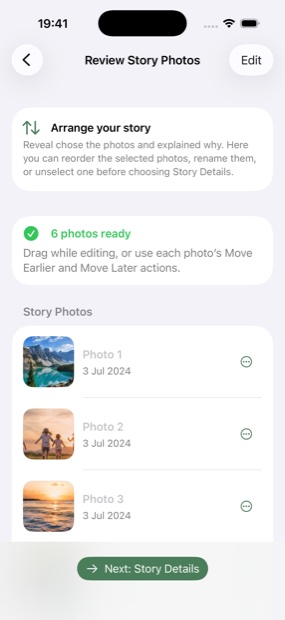
Story Mode ships today as part of Tend Photos on every device — free during this release. It’s the same engine everywhere, with each platform’s own take on the reader and editor.
Every photo Tend considers for a story is scored and placed locally with Apple’s PhotoKit — no photos, no metadata, and no filenames are sent anywhere, including for the story text itself. There’s no account to create and no third party in any part of the process.
No ads. No tracking. Ever. On any plan, free or PRO.
Free — local-first, and yours to approve at every step.
Download on theApp Store